Elmspur Cascade
Cascading dropdowns that take visitors exactly where they need to go — pick, pick, gone.
Give visitors a guided path instead of a wall of links. Build chained dropdowns — choose a category, then an option, then land on the right page automatically. Perfect for help centers, product finders, course catalogs, and any site where “where do I click?” is the problem.
What it does
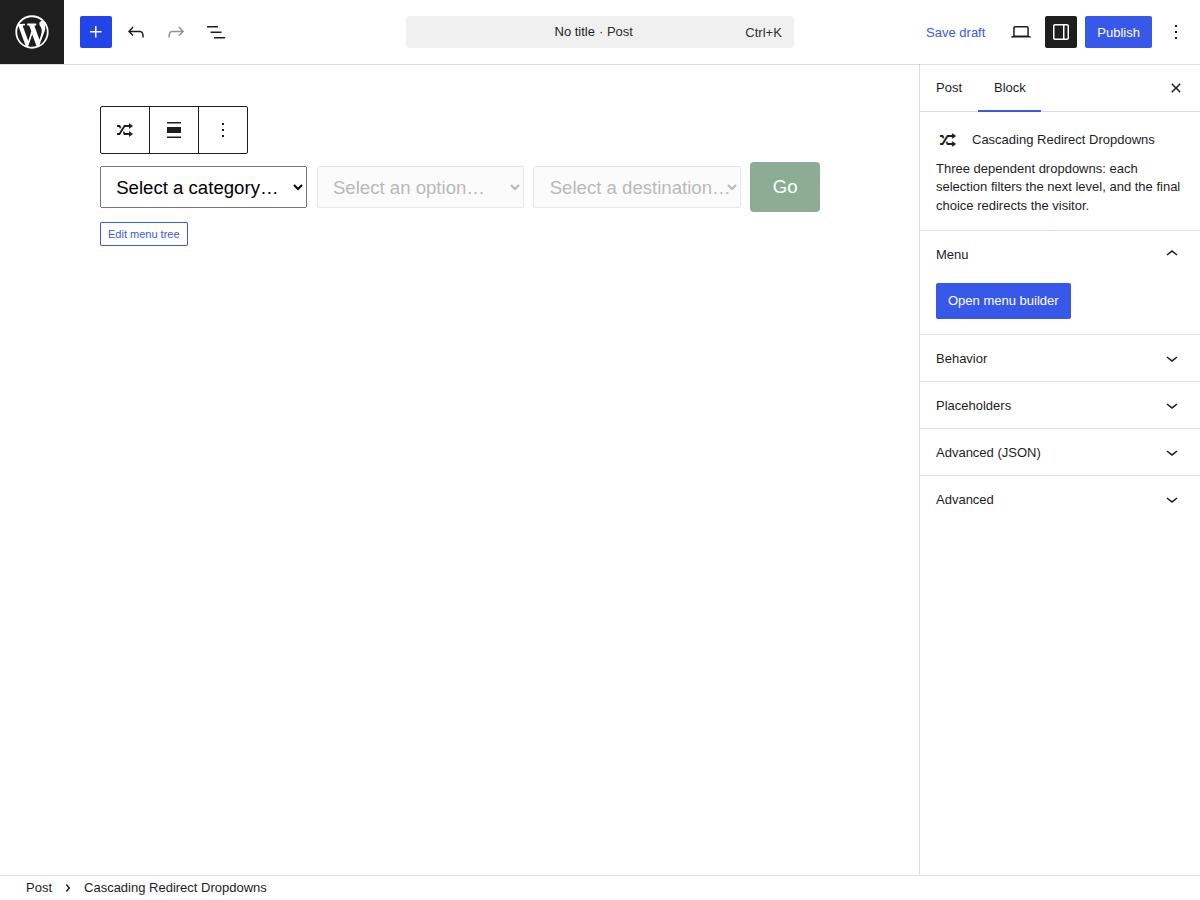
Build it in the editor.
A point-and-click tree builder lives in the block sidebar. Add levels, nest items, assign URLs — no JSON, no shortcodes. What you build is what visitors see, right in the editor preview.
Smart cascading, branch by branch.
Each selection filters the next dropdown. Branches don’t need to reach the maximum depth — a two-level branch redirects from level two while the remaining dropdowns stay disabled. Three clicks, zero dead ends.
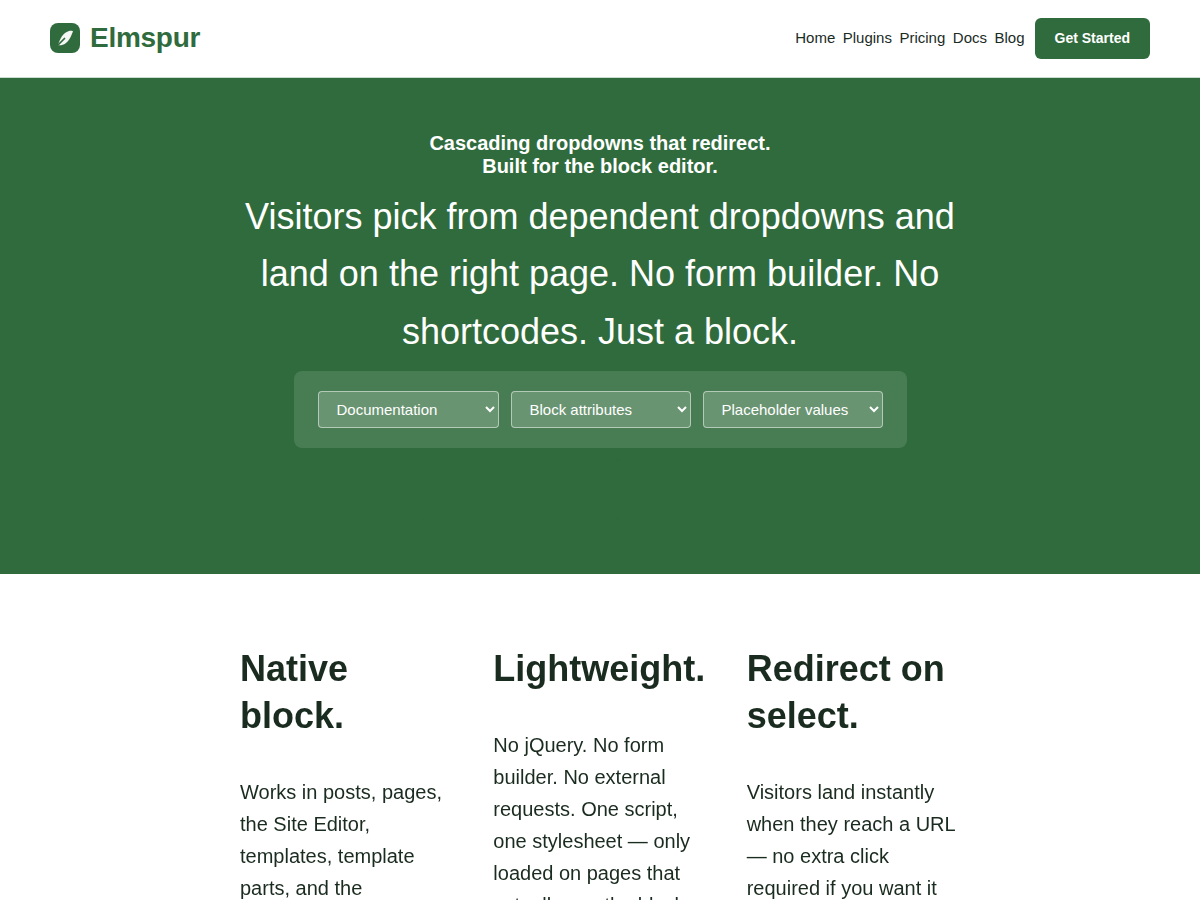

Lives anywhere, including your nav bar.
A compact variant drops inline inside the core Navigation block, sitting between your other nav links. Auto-redirects on final selection by default, and stacks vertically inside the mobile overlay.
Use cases
Anywhere visitors need a guided path instead of a wall of links.
Support sites
Product → Issue Type → Help article. Stop sending visitors to a catch-all search page and route them straight to the answer.
Multi-location businesses
Country → State → Location page. Let visitors drill down to their branch, franchise, or service area without endless scrolling.
Course sites & libraries
Subject → Course → Lesson. Great for LMS sites, video libraries, or any catalog that grows faster than your nav bar.
Free vs Pro
| Feature | Free | Pro |
|---|---|---|
| Visual tree builder (point-and-click) | ✓ | ✓ |
| Redirect on final selection | ✓ | ✓ |
| Instant redirect (no button click) | ✓ | ✓ |
| Open destination in new tab | ✓ | ✓ |
| Custom placeholder text per level | ✓ | ✓ |
| Navigation block variant | ✓ | ✓ |
| Wide & full alignment in block editor | ✓ | ✓ |
| Maximum cascade levels | Up to 5 | Up to 5 |
| Saved / reusable dropdown trees | — | ✓ |
| Site-wide updates from one saved tree | — | ✓ |
| Priority support | — | ✓ |
Frequently asked questions
How many levels can I have?
Up to 5 levels, the same in Free and Pro. The block only renders as many dropdowns as your tree actually uses — if your tree is two levels deep, only two dropdowns appear.
Does it work with my theme?
If your theme supports the block editor, yes. Cascade is built for block themes and FSE, and inherits your theme’s button and form styling by default.
Can I use it in the Navigation block?
Yes. There’s a separate Navigation block variant (“Cascading Dropdown Redirect — Nav”) that sits inline between your nav links. It auto-redirects on the final selection and stacks vertically in the mobile overlay.
Can I upgrade from Free to Pro without losing my work?
Yes. Pro installs alongside Free; all the dropdown trees you configured carry over automatically. Nothing to rebuild.
What happens if my Pro license expires?
The plugin keeps working. You stop receiving updates and priority support until you renew. Network failures during license checks don’t downgrade your license either — it stays valid until the next successful check confirms otherwise.
Do you offer refunds?
14-day no-questions money-back guarantee.
Try Elmspur Cascade free.
Install from WordPress.org in under a minute.